

 ASTRONOMY SWISS KNIFE
FRONT
ASTRONOMY SWISS KNIFE

 Showing French only |
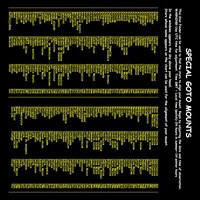
|
 PDF to print on normal paper cut out both sides stick back to back to see Assembly. |
||||
|
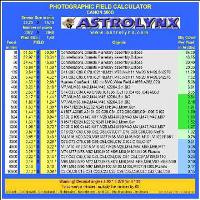
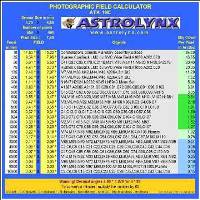
First Sensor-Click on image Open xls - Choose camera 
 Choose Focals then "Export Image" 
|
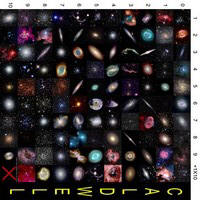 |
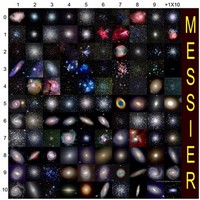
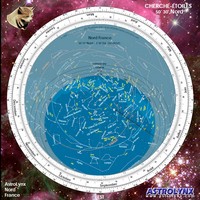
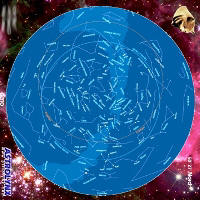
Click on image Fill in form Set the card type 
|
Second Sensor-Click on image Open xls - Choose camera
Choose Focals then "Export Image"
|
|||
|
|
|
|
|
||
|
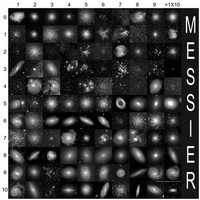
Then open "External Model.doc" Insert exported image Orient the image and print the document |
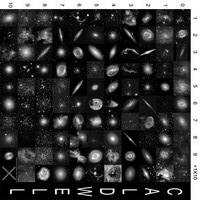 |
Click on image Fill in form Tick GOTO
|
Then open "External Model.doc" Insert exported image Orient the image and print the document |
|||
|